Camera & Speaker Phone Repair
Smartphones are now a big part of our lives. Their cameras and speakers are key features. But, when they go wrong, it’s really annoying.
Problems like a blurry camera, no sound, or crackling speakers are common. Even microphone issues during calls can be a hassle.
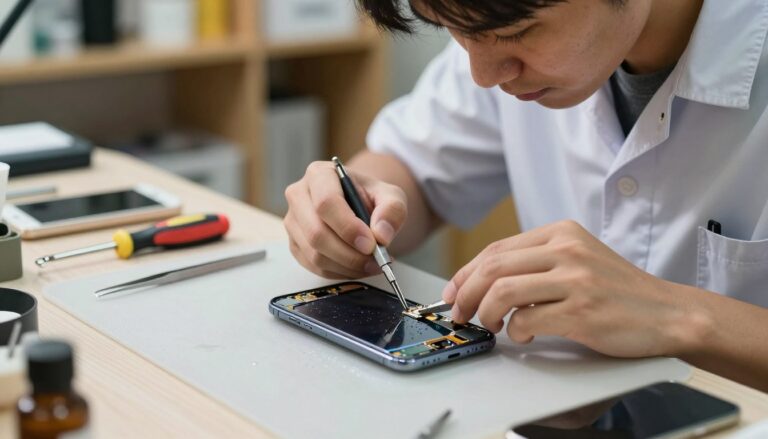
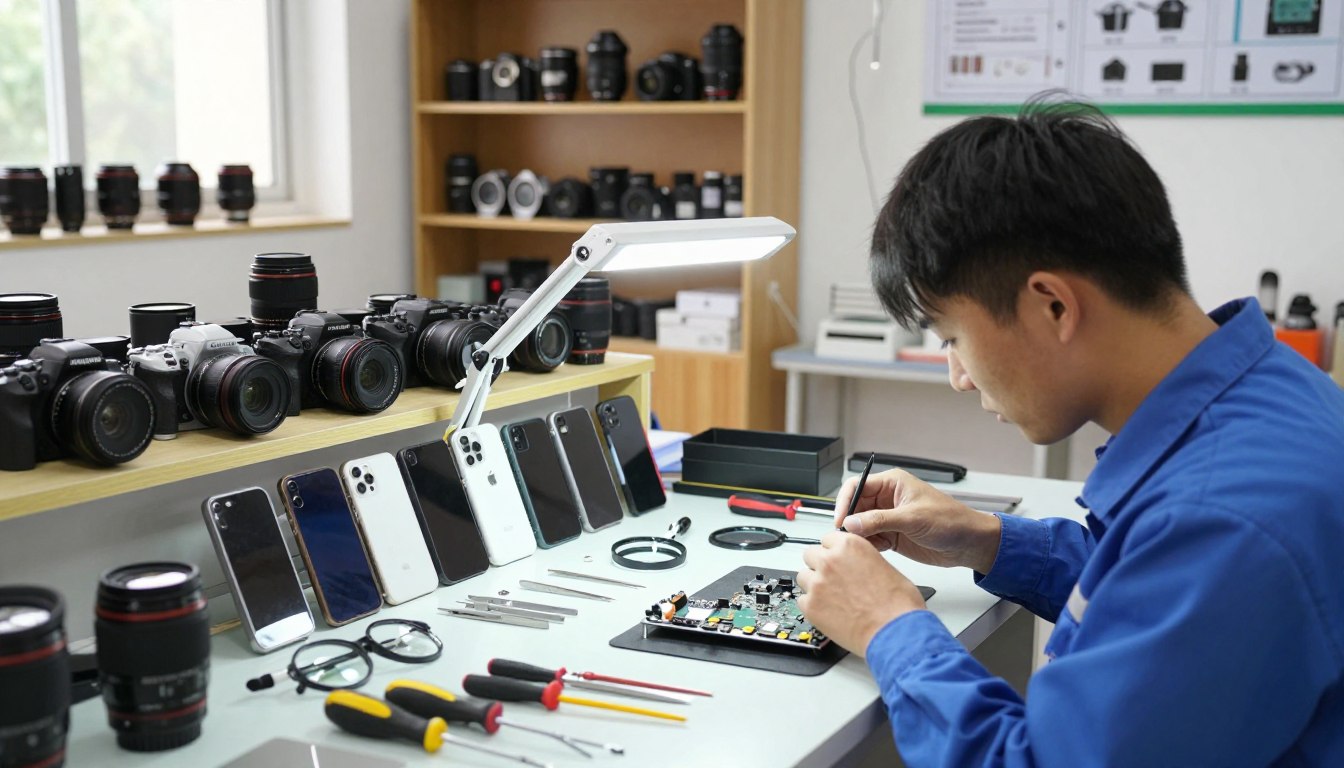
Places like Mobile Klinik and CaseMogul are great for fixing these issues. They offer top-notch phone repair services, including camera and speaker fixes. Their skilled team makes sure your device works perfectly again, even if the camera is badly damaged.
Key Takeaways
- Reliable phone repair services are crucial for fixing camera and speaker issues.
- Experts like Mobile Klinik and CaseMogul provide efficient repair solutions.
- Common issues include blurry cameras and malfunctioning speakers.
- Professional repairs can restore device functionality.
- Camera and speaker repairs are essential for optimal device performance.
Understanding Common Camera and Speaker Problems in Mobile Phones
Cameras and speakers in mobile phones are key, but they often face issues. These problems can really affect how we use our phones every day.
Types of Camera Malfunctions You May Encounter
Mobile phones can have camera problems like a blurry or shaking camera or not taking pictures at all. These issues might come from software bugs, physical damage, or wrong camera settings.
A blurry camera could be from a scratched lens or wrong focus. A shaky camera might be due to hardware or software problems. Knowing what causes these issues helps fix them.
Speaker and Audio Issues That Affect Daily Use
Many people complain about no sound or crackling speakers. These problems can be from physical damage, like a broken speaker grille, or software issues, like wrong audio settings.
Issues like distorted sound, low volume, or no sound at all can happen. It’s important to figure out if it’s a hardware or software problem to fix it right.
How Hardware Damage Impacts Your Phone’s Functionality
Physical damage, like drops or water, can really hurt your phone’s camera and speaker. For example, a broken camera lens or damaged speaker can mess up how they work.
Places like Mobile Klinik can help fix these problems. They do thorough checks and offer a lifetime warranty on their repairs. This means you get reliable fixes that last.
How to Diagnose a Blurry or Shaking Camera
A blurry or shaking camera can be frustrating. But, knowing how to find the problem can help fix it quickly. Certified technicians at CaseMogul use a detailed method to find and fix camera problems. They check the lens, camera settings, and hardware stability.
Step 1: Inspect the Camera Lens for Physical Obstructions
First, check the camera lens for any blockages or damage. Clean the lens carefully and look for scratches or cracks.
Cleaning the Lens Surface Properly
To clean the lens, use a soft, dry cloth. Gently wipe away dirt or debris. Avoid harsh chemicals or abrasive materials that could harm the lens coating. CaseMogul’s experts suggest using a microfiber cloth for this.
“Regular lens cleaning can prevent many problems,” says a leading professional phone repair technician. “It’s a simple step that can greatly improve camera performance.”
Checking for Scratches and Cracks
Look for any scratches or cracks on the lens. Even small damage can affect camera performance. If you find damage, you might need to get help from professional phone repair technicians.
Step 2: Test Your Camera Settings and Software Configuration
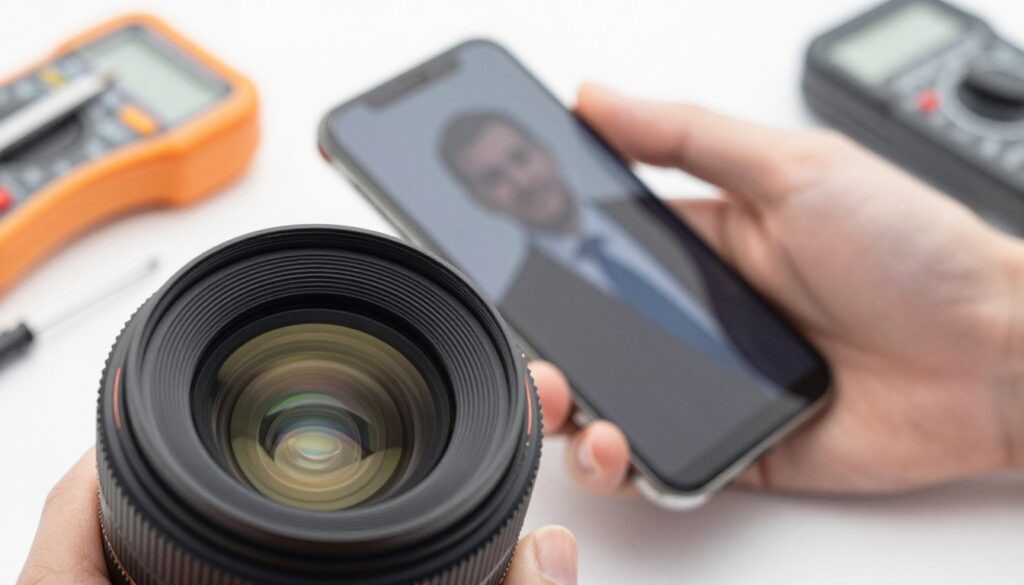
If the lens is clean and undamaged, test your camera settings and software. Reset the camera app to its default settings and update your phone’s operating system.
Resetting Camera App to Default Settings
Resetting the camera app can fix issues caused by wrong settings or software bugs. Go to your phone’s settings menu, find the camera app, and reset it to default settings.
Updating Your Phone’s Operating System
Keeping your phone’s operating system updated is key for camera performance. Updates often fix known issues and improve system stability.
“Keeping your phone’s software up to date is one of the simplest ways to prevent camera issues,” notes a speaker replacement specialist. “It’s a good practice to regularly check for updates.”
Step 3: Evaluate Hardware Stability and Focus Mechanism
If software changes don’t help, check the camera’s hardware stability and focus mechanism. Test the autofocus and check for loose camera module components.
Testing Autofocus Functionality
To test autofocus, open your camera app and focus on different objects at various distances. If the camera struggles to focus or fails to lock onto a subject, it might have a hardware problem.
Identifying Loose Camera Module Components
A loose camera module can cause blurry or shaking images. If you think this is the problem, it’s best to get help from professional phone repair technicians who can fix any hardware issues.
Troubleshooting No Sound or Crackling Speakers
If your phone’s speaker isn’t working or sounds distorted, you need to find out why. No sound or crackling can be due to many things. This includes software settings, damage to the hardware, or dirt in the speaker grilles.
Step 1: Verify Volume Levels and Audio Output Settings
First, check your phone’s volume and audio settings. Sometimes, a simple setting change can fix the problem.
Checking System Volume Controls
Make sure your phone’s volume is turned up and not on silent. Check the volume while making a call or playing music to see if it’s loud enough.
Disabling Do Not Disturb Mode
Do Not Disturb mode might be the reason for no sound. Ensure it’s off by looking in your phone’s settings or quick settings panel.
Step 2: Clean Speaker Grilles and Audio Ports Thoroughly
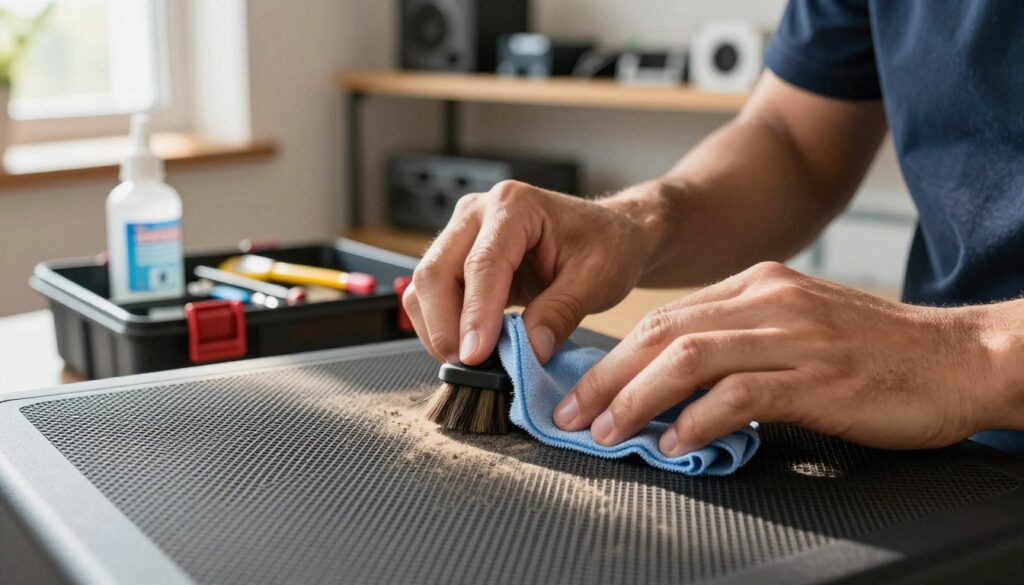
Dust, dirt, and debris can block sound in your phone’s speaker grilles and audio ports. Cleaning these areas might solve the problem.
Safe Cleaning Methods for Speaker Openings
Use a soft-bristled brush or compressed air to clean out debris. Avoid sharp objects or liquids that could harm your phone.
Removing Dust and Debris Without Damage
When using compressed air, spray it in short bursts while holding the can upright. Keep it at least 6 inches away from the speaker grilles to avoid pushing debris further.
Step 3: Test Audio Output with Different Sources
Test your phone’s audio with different types of content to see if the problem is with a specific app or source.
Playing Music and Video Content
Play music or video files on your phone or stream content online. This will help you see if the audio works right.
Testing Ringtones and Notification Sounds
Check if your phone’s ringtones and notification sounds work. If they do, it might mean there’s a problem with a certain app or media file.
Recognising Speaker Hardware Failure Signs
If cleaning and testing don’t fix the problem, it could be a hardware failure. Signs include persistent distortion, no sound, or physical damage to the speaker.
| Symptom | Possible Cause | Recommended Action |
|---|---|---|
| No sound from speakers | Hardware failure or debris blockage | Visit a mobile phone repair workshop for diagnosis |
| Crackling or distorted sound | Debris in speaker grilles or software issue | Clean speaker grilles and check software settings |
| Intermittent sound loss | Loose connection or hardware issue | Have a professional inspect and repair the phone |
If you keep having audio problems, it’s best to get help from a efficient phone repair services provider. They can diagnose and fix the issue.
Resolving Microphone Not Working During Calls
When your mobile phone’s microphone stops working during calls, it’s really annoying. It can mess up your daily chats. This problem might be due to physical damage or software issues.
Experts at CaseMogul and Mobile Klinik can fix this. They’ll check your phone and might replace the microphone. Their team will find out why it’s not working and fix it.
If you’re having trouble with your microphone, get it checked by phone repair pros. They know how to handle both hardware and software problems. This way, they can figure out what’s wrong and fix it.
Using speaker repair services can fix your phone’s sound problems. They might need to repair or replace the microphone. This will make sure your phone’s audio works great again.
FAQ
What are the common issues that affect camera functionality in mobile phones?
Issues include blurry or shaking cameras and autofocus problems. Damage to the camera module from drops or impacts is also common.
How can I troubleshoot a blurry or shaking camera on my mobile phone?
First, check the camera lens for obstructions. Then, test your camera settings and software. Also, check if the camera module is stable and the autofocus is working right.
What are the steps to resolve no sound or crackling speakers on my mobile phone?
Start by checking the volume and audio settings. Clean the speaker grilles and ports well. Test the sound with different sources. Look out for signs of speaker damage.
Why is my microphone not working during calls, and how can I fix it?
It might be due to damage, software problems, or blockages. A professional can help diagnose and fix it.
Can I repair my mobile phone’s camera and speaker issues myself?
Simple problems might be fixed by you. But, complex issues need a pro. They have the tools and knowledge for repairs.
How do I know if my mobile phone’s speaker is damaged beyond repair?
Look for distortion, no sound, or physical damage. A pro can check and tell if it needs fixing or replacing.
What are the benefits of using a professional phone repair service for camera and speaker issues?
Pros offer expert diagnosis and repair. They ensure your phone works well again. They also avoid further damage.
Can a fully damaged camera be repaired or does it need to be replaced?
It depends on the damage. A pro can check and decide if a new camera is needed.
How can I prevent future camera and speaker issues on my mobile phone?
Clean the lens and grilles regularly. Use a protective case. Avoid water and extreme temperatures.